Instant understanding, on any phone.
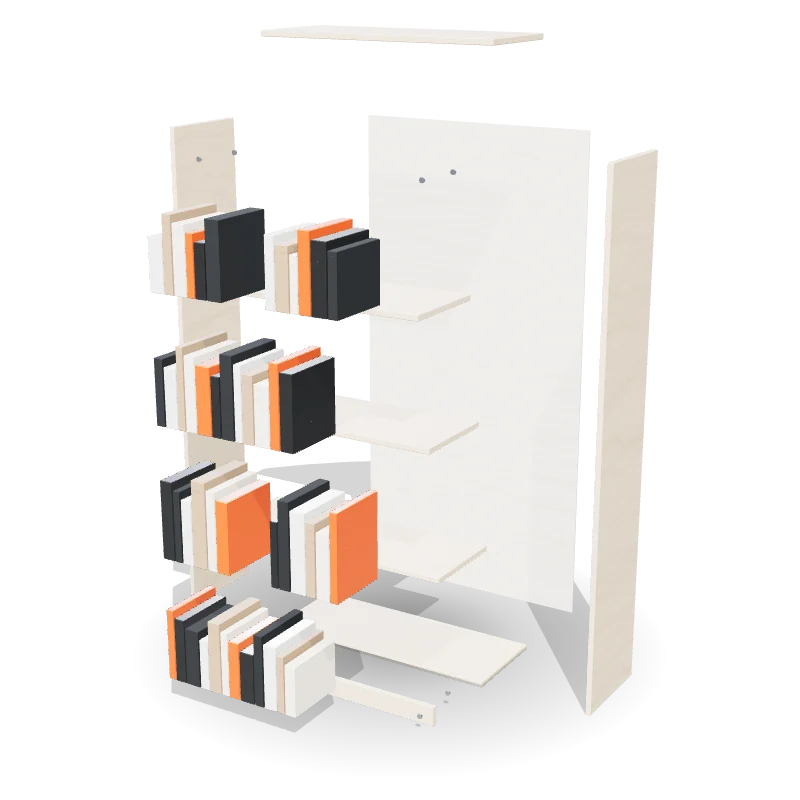
A Ukemeh guide is the manual, rebuilt in 3D. You can turn it, take it apart, cut it open and slow it down, and every part keeps the name the manual gave it.
One product, rebuilt part by part. Turn it, take it apart, cut it open, and hear each step read out while your hands stay on the work.
See it every way.
One product, four ways to see it. Tap to switch. A customer gets exactly this on their phone.
Everything the paper has, and what it can’t show.
Lettered parts
Every part carries the letter and the name the manual gives it, in the scene, on a leader line, as the part arrives.
- ALetters as the manual has them
- BNames you can tap
- CA parts checklist
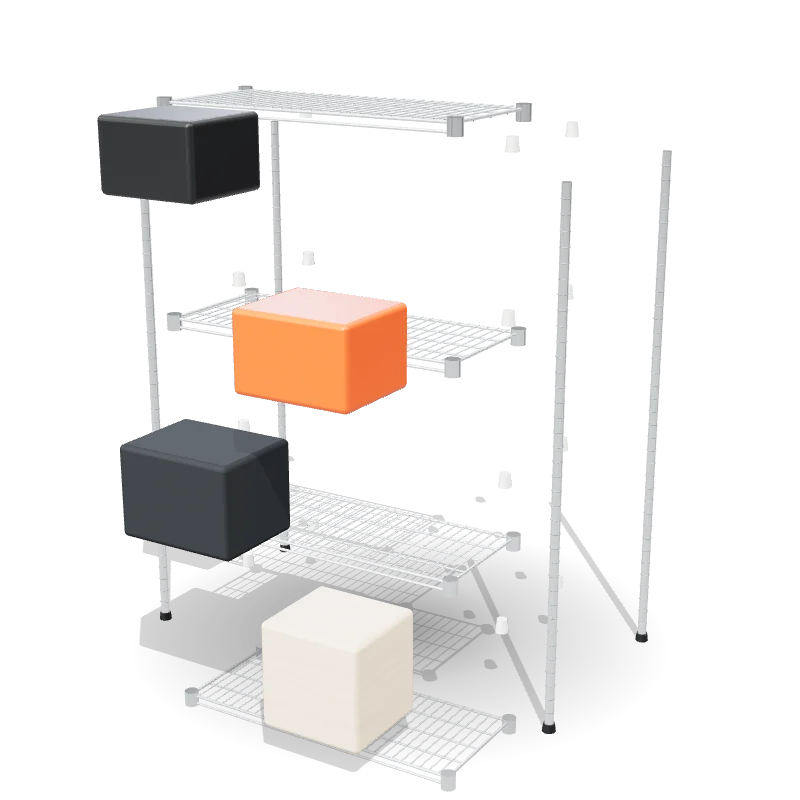
Close-ups
Small parts get a circle that zooms in right when they matter: a sleeve on a pole, a cam lock, a drawer slide.
- AA circle on the small part
- BMeasures where the manual has them
- CArrows that show the move
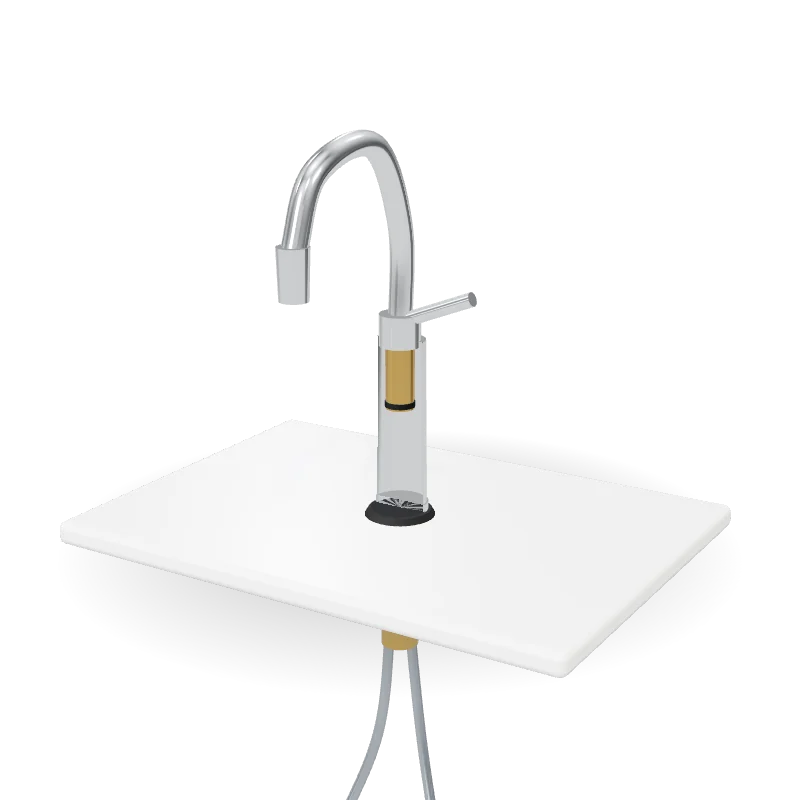
Cut open
We cut the casing away to show the parts you work on blind: the nut under the sink, the bolt inside the washer.
- ACutaways on any casing
- BInner parts lettered too
- CFrom any angle
Two narrators and slow motion
A woman’s or a man’s voice reads each step, so your eyes stay on the work. Play any step at half or a quarter speed.
- ATwo voices
- BFull, half and quarter speed
- CDrag to any moment
Safety where it belongs
The safety page comes first, and every warning and caution sits on the step it belongs to, in full.
- AThe safety page in full
- BWarnings on their step
- CWhen to call a pro
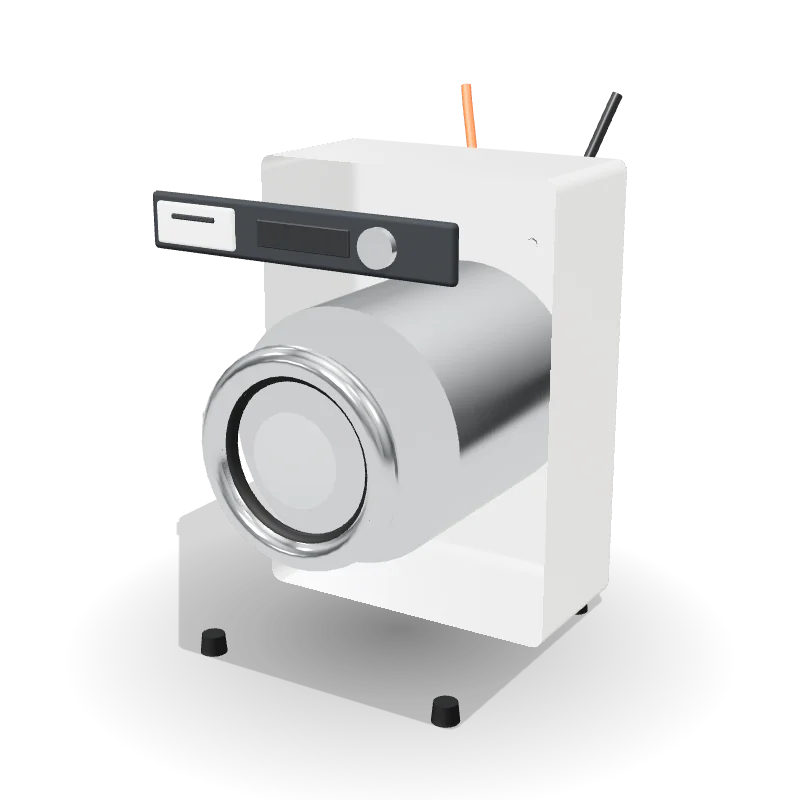
It starts as a box of parts.
Keep scrolling. The washer builds itself as you go.
Built, step by step.
Feet, drum, cabinet, door and panel, in the order the manual gives.
Then cut open.
The shipping bolts and the drum, the parts people miss, shown where they sit.
Then taken apart.
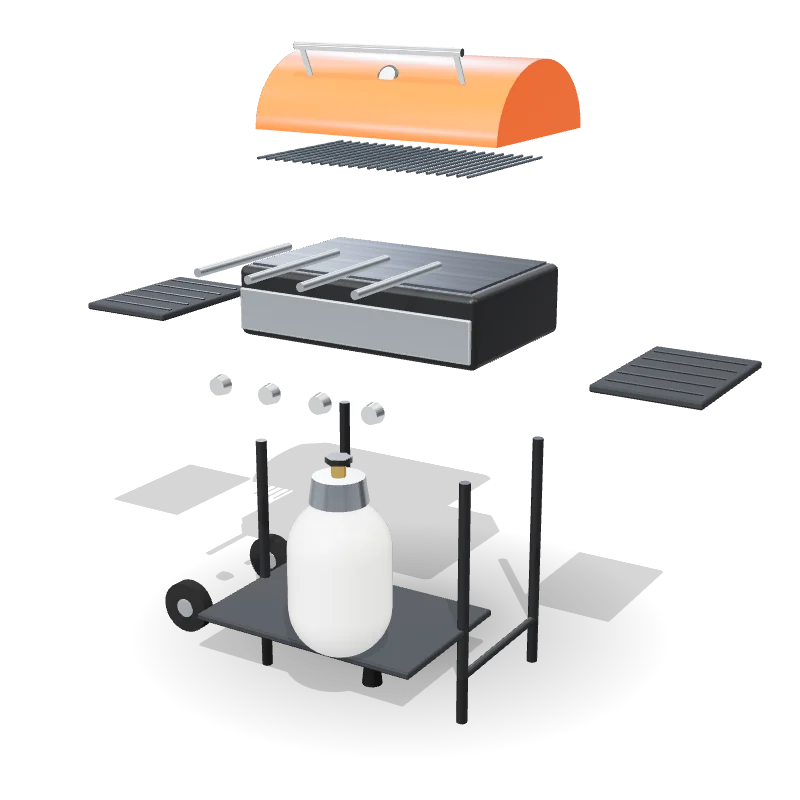
Every part pulled from its place, each with its letter and name.
No headset. Just the phone you have.
Not everybody has a headset. Everybody has a phone, and most homes have a TV. Ukemeh is built for both.
- AAny phone. Upright or sideways, no app.
- BThe TV. Cast the phone and the step fills it.
- CTablet and computer. The same guide, bigger.
- DThe box and the shelf. A code opens step one.
From your manual to their phone.
Four steps, and we do three of them.
AYou send the manual
The PDF is enough to start. Product files and photos of the real parts help.
- AManual and assembly sheet
- BProduct files if you have them
- CPhotos of the real parts
BWe build it in 3D
Each part is built and lettered as your manual letters it, and each step is laid out as your manual lays it out.
- AParts named as you name them
- BEvery step and bullet
- CClose-ups, arrows and measures
CWe check every step
Before a guide goes live, every step is checked against your manual, and the guide is tested on phones, upright and sideways.
- AStep by step against the manual
- BPhones and computers
- CUpright and sideways
DPeople build it
A code on the box or a link on your product page opens it, on any phone, with no app.
- ACodes for box and shelf
- BLinks for product pages
- CCast to the TV
One engine, every aisle.
Nine industries to start. Pick yours to see what we build guides for.
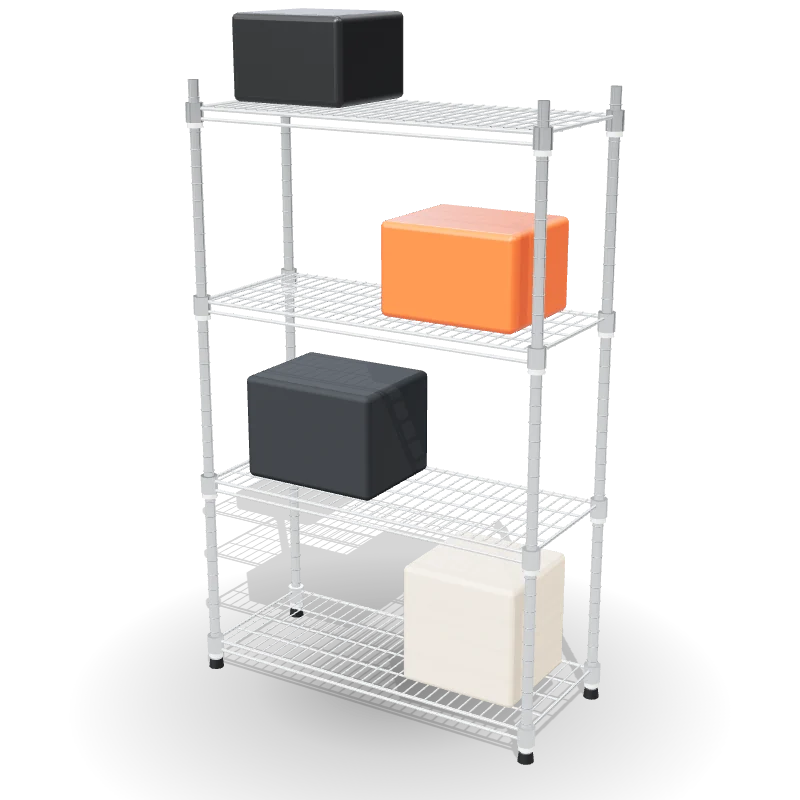
- AHome improvementShelving, storage, doors and hardware
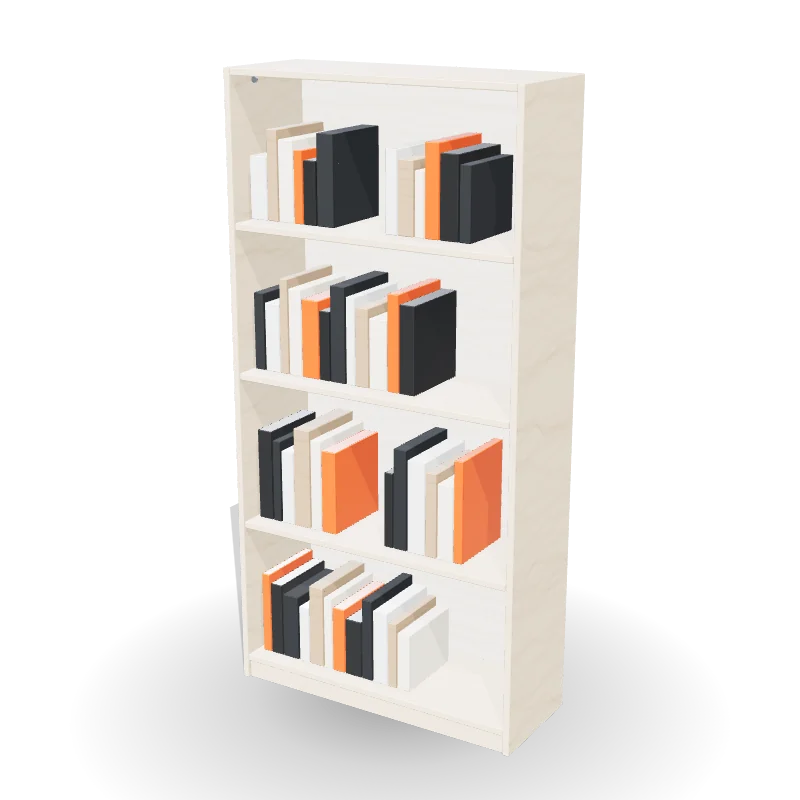 BFurnitureFlat-pack, beds, desks, shelves
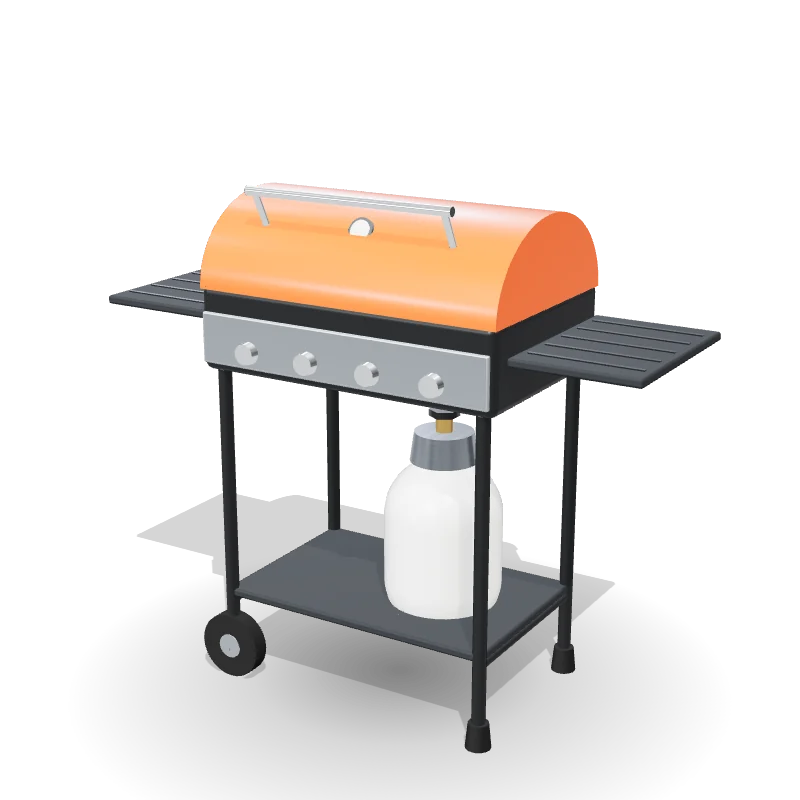
- COutdoor and gardenGrills, patio sets, sheds, play sets
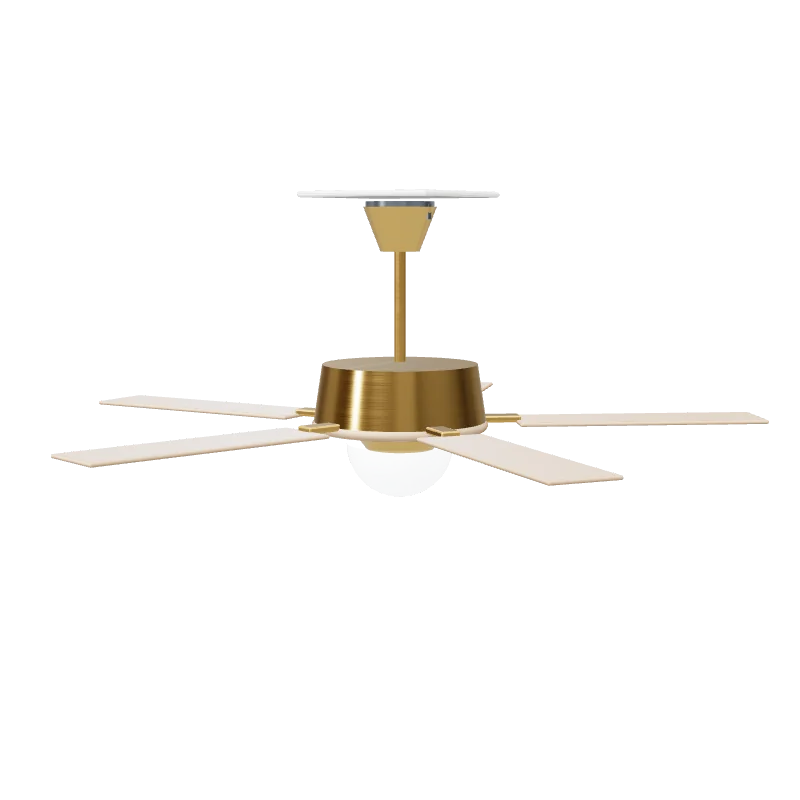
- DLighting and electricalCeiling fans, fixtures, switches
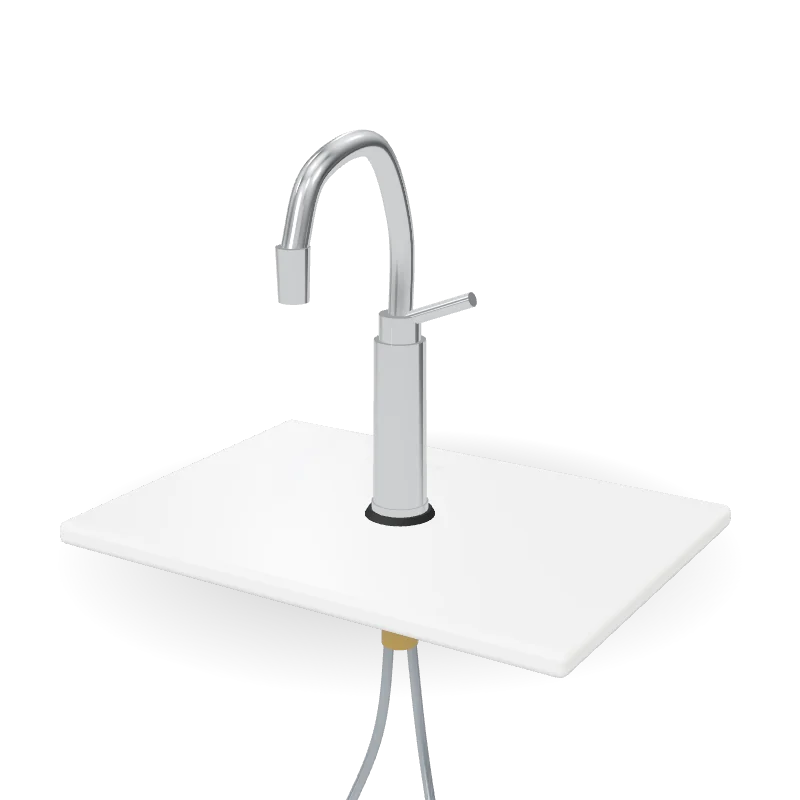 EKitchen and bathFaucets, toilets, vanities, sinks
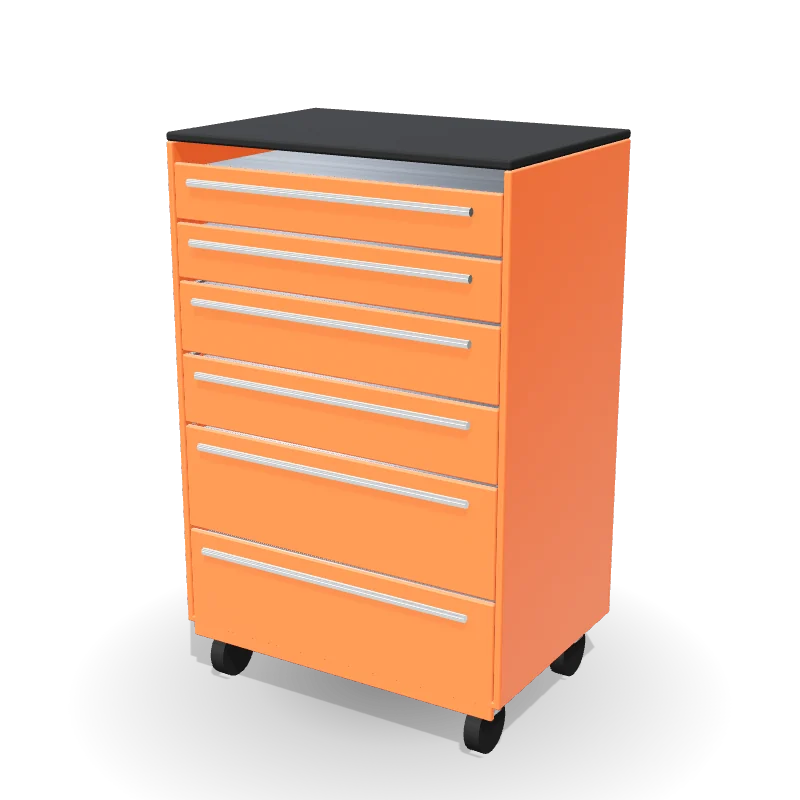
- FTools and workshopTool chests, workbenches, power tools
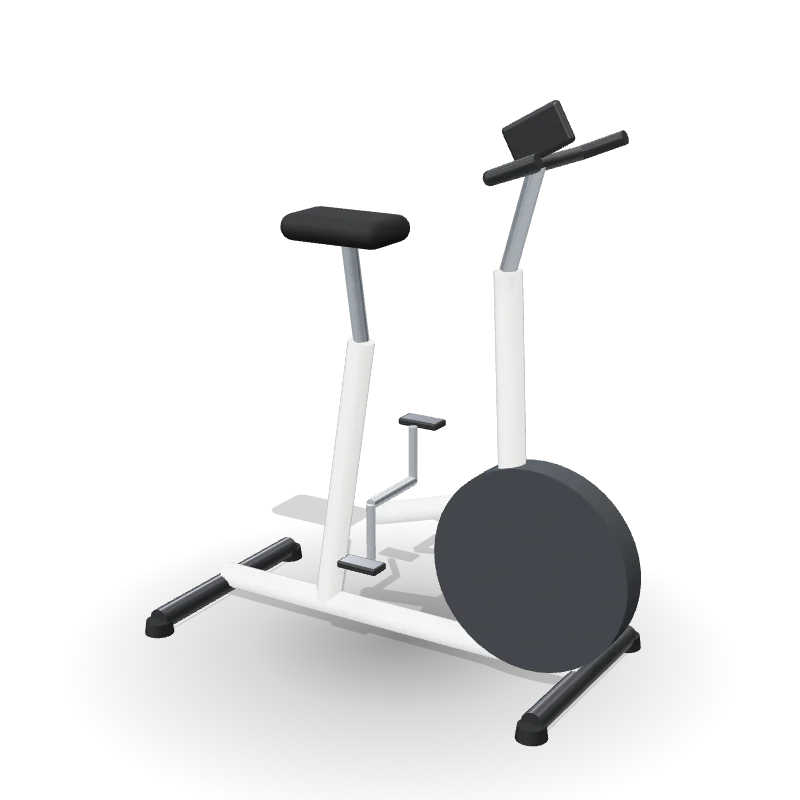
- GFitnessBikes, treadmills, home gyms
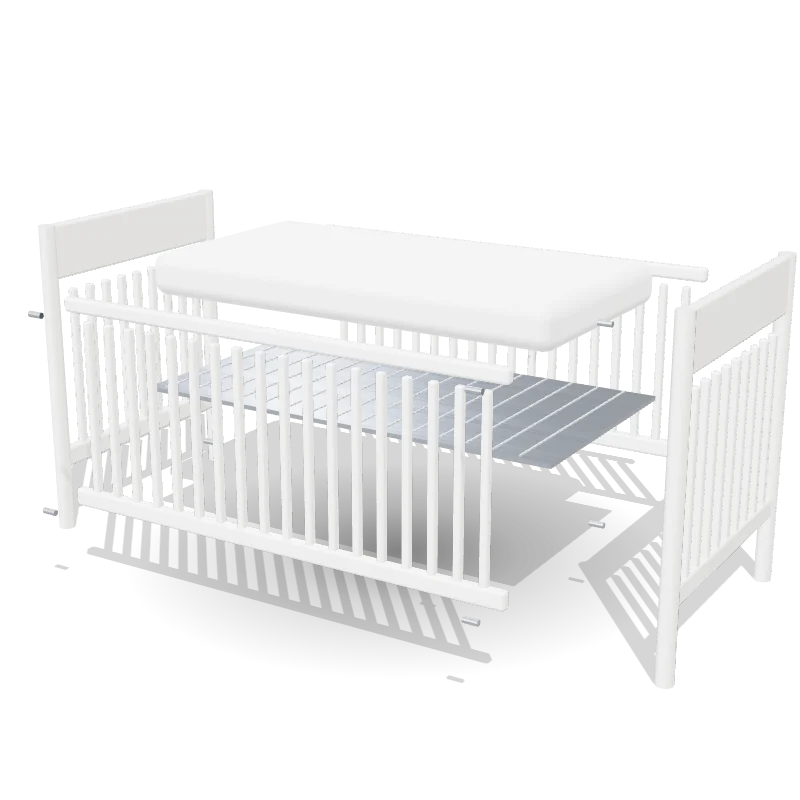
 HBaby and kidsCribs, high chairs, strollers, toys
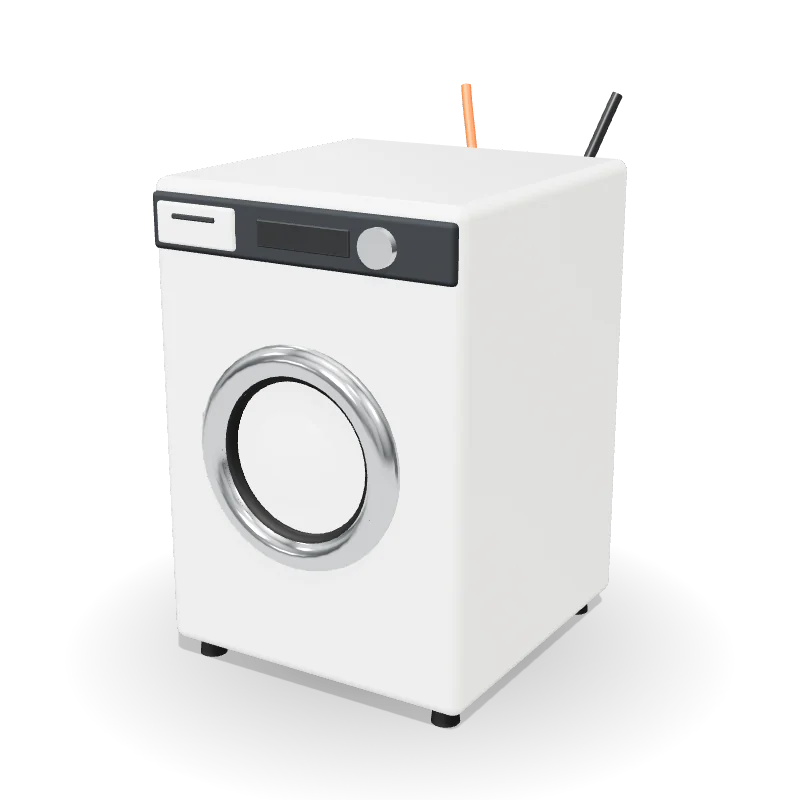 IAppliancesWashers, dishwashers, range hoods
Request access
We will reply to that address and build one of your own products as a guide, so you can see it on your phone.